Multi-Select Media and Documents for Customer Visibility Assignment
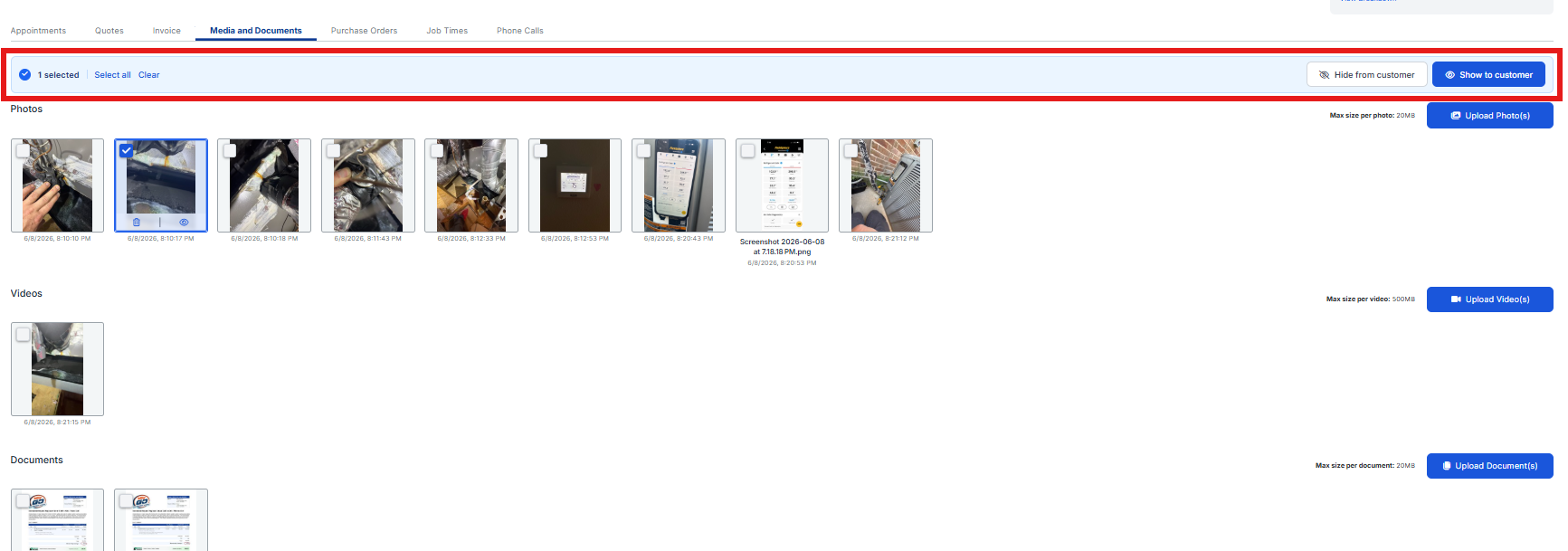
We've launched an update in our Admin Portal that allows you to multi-select Media and Documents on a Job record to Show to Customer or Hide from Customer in bulk.
What’s Included
Admins can:
-
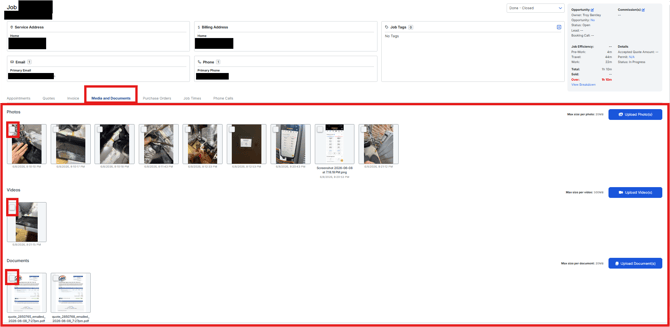
Navigate to any Job record and within the Media and Documents tab, where you can see all Photos, Videos, and Documents. Each image with have a checkbox for an individual selection.
- When you select one checklist on any of the media displayed, a bar will appear encouraging you to select individual items and/or select all media. On the right, you'll see two buttons where you can Hide from Customer view and/or Show to Customer. By selecting these buttons, you can mass update all Media on a Job.