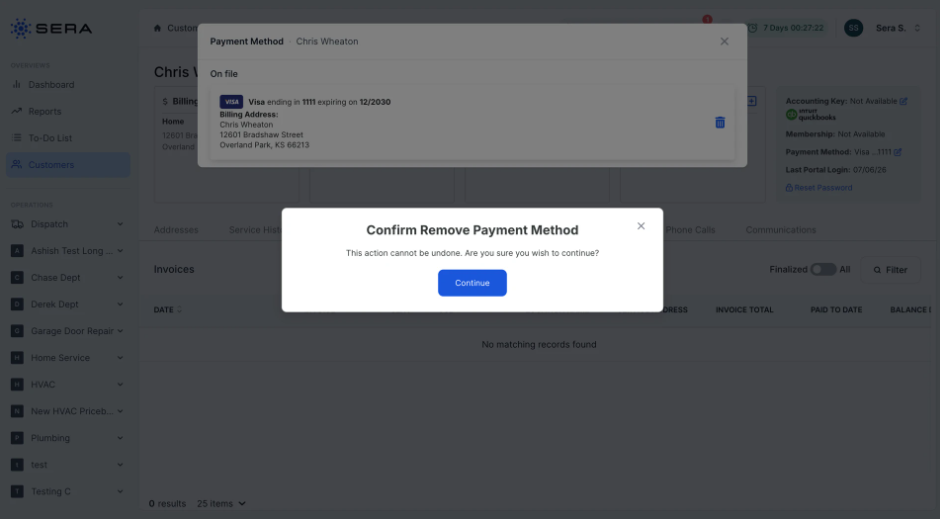
From the Admin Portal, follow these steps to add a Payment Method on file for a Customer.
-
Locate the Customer's profile and in the top right corner you'll see if there is a preferred payment method.
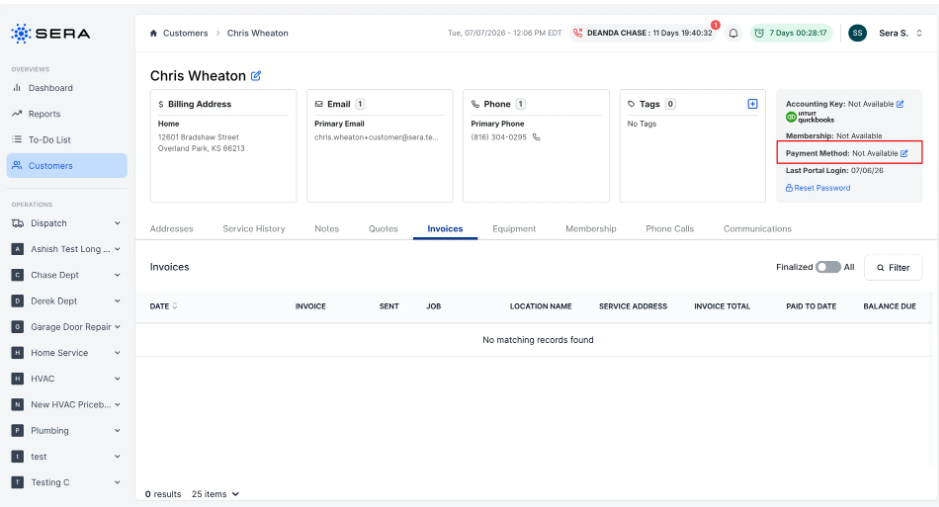
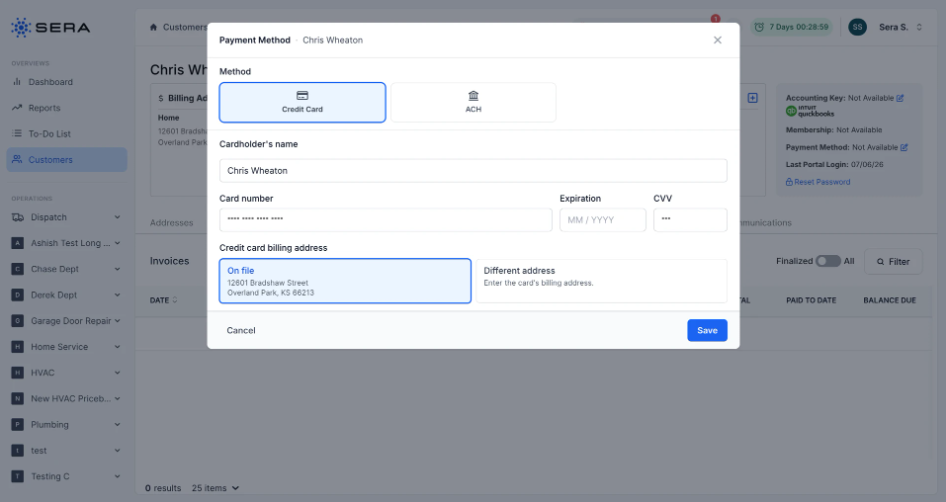
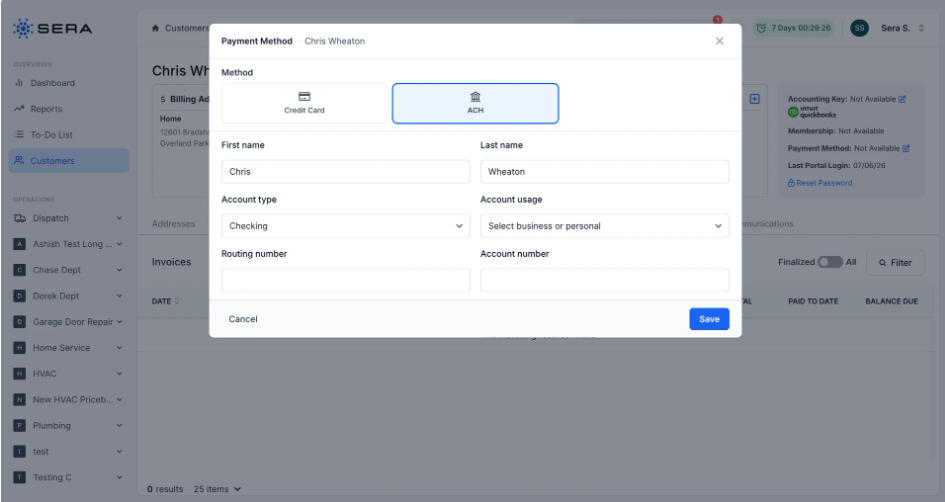
- By selecting the pencil icon, you can add a new payment method to the record or update an existing one. This can be via credit card or ACH.
- If or when you are removing a payment method, you'll receive an additional pop-up which prompts you to confirm you'd like to take the action as it cannot be undone.