
As a Customer, you have your own login credentials for the Customer Portal. This is your one-stop shop for all items related to the services you currently are receiving and have received historically.
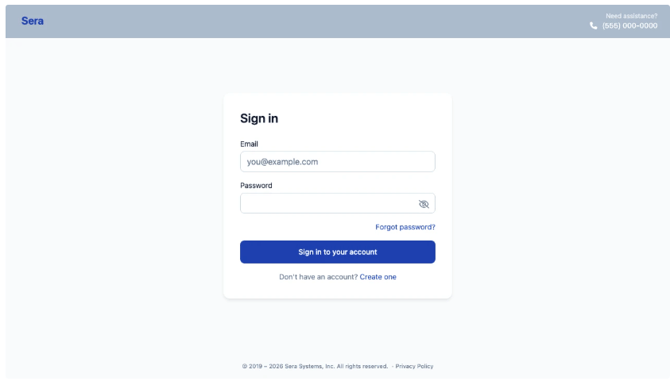
Sign-In Page
Signing-in is easy; simply use your username and password and login! You have the option to select 'Forgot Password?' and receive a secure link to reset your password.
Dashboard View Upon Logging In
When you login for the first time, you have access to all your details as a Customer. You can view Appointment details, Invoices, and Quotes (and take action on them) as well as managing Billing information and history and ensuring your profile is accurate - managing memberships, equipment, etc.
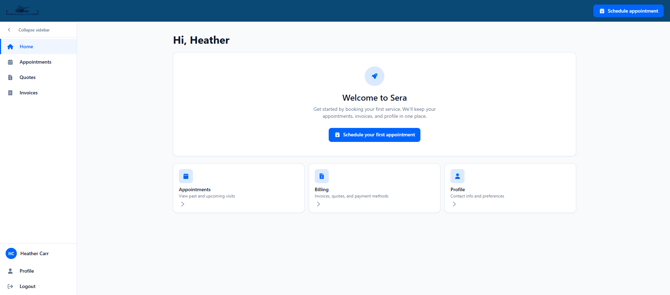
As data is populated (appointment history and details, open quotes, invoices, etc.) the dashboard is updated to reflect a current view of in progress activities.