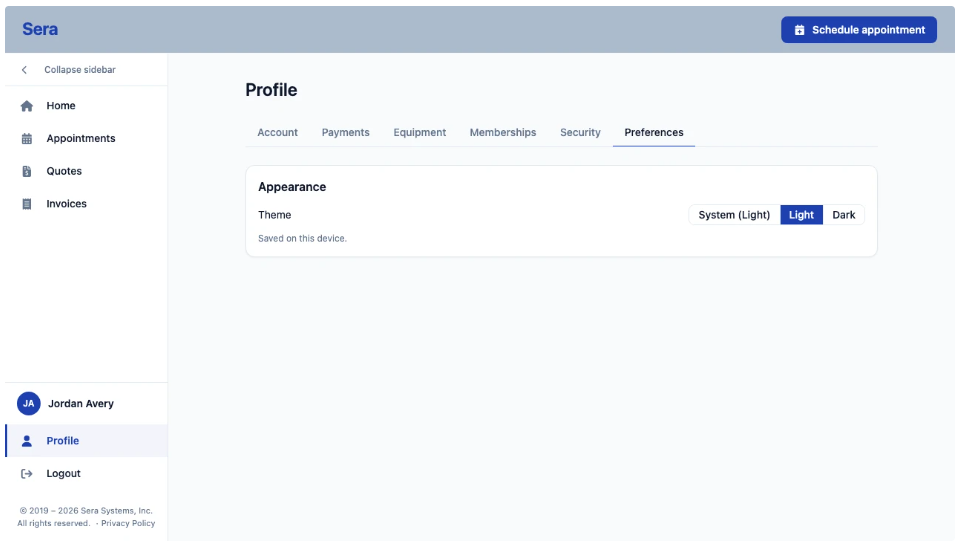
The Customer Portal gives your customer the ability to see and update their general profile information anytime.
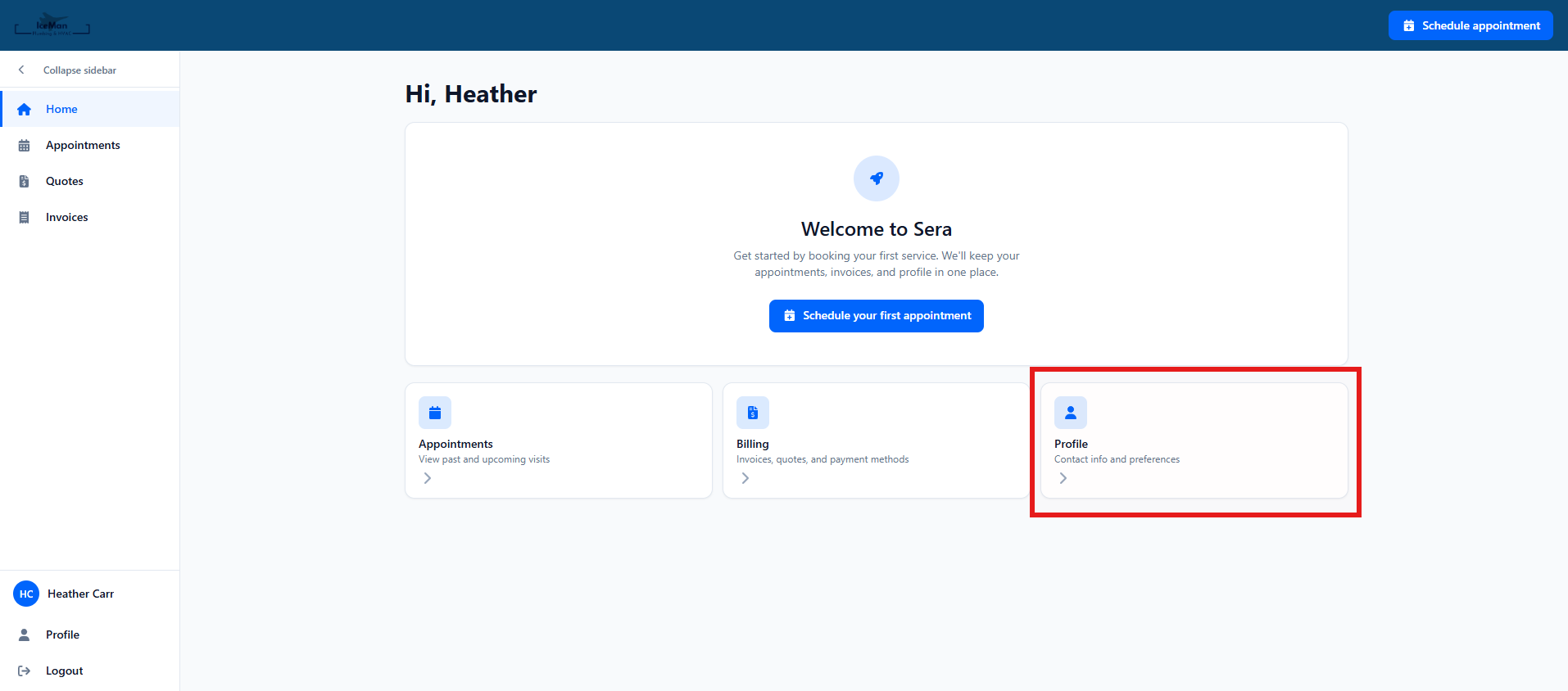
Within your Dashboard, there is a section for your Profile.
When they select Profile there are several options for the customer to view, or update:
-
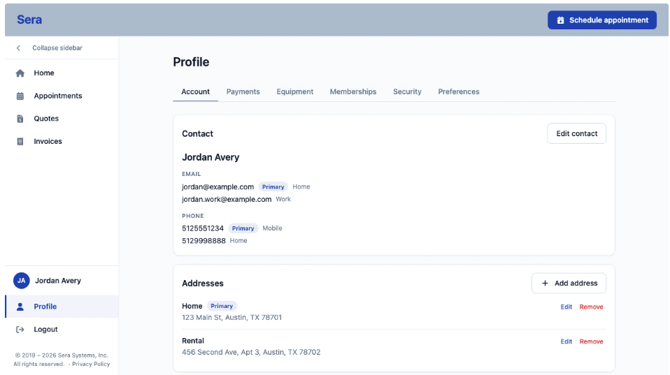
Account - Here you can see and update your account specifics.
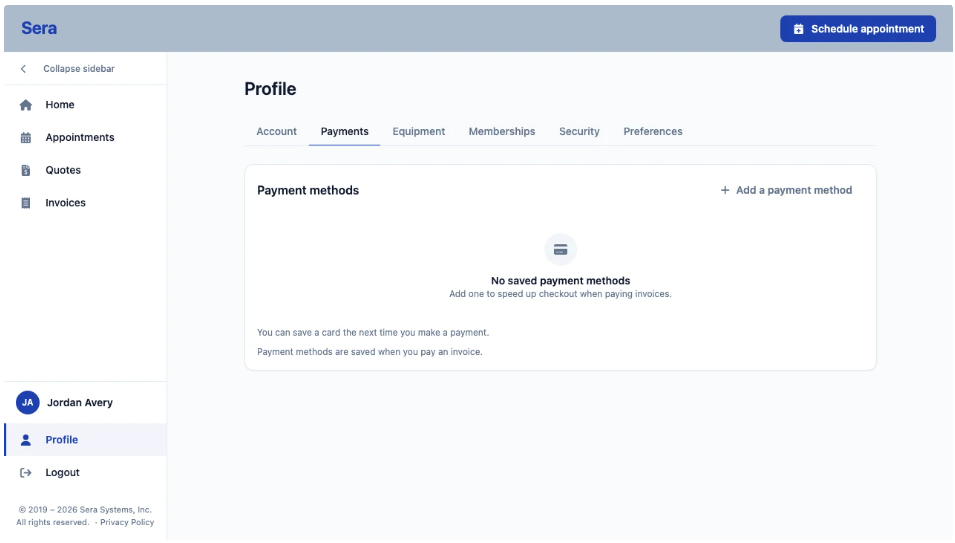
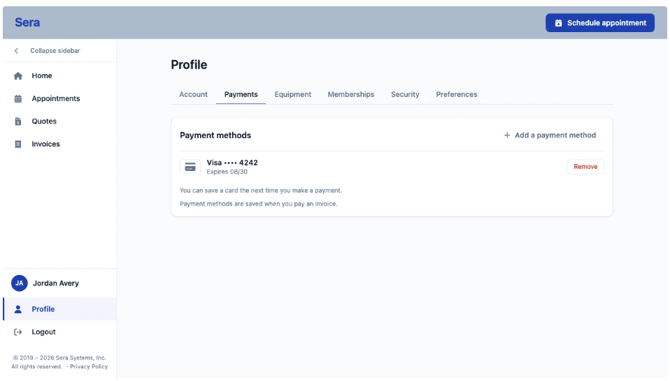
- Payments - Updating and managing payment methods on file is easy from the Payments tab!
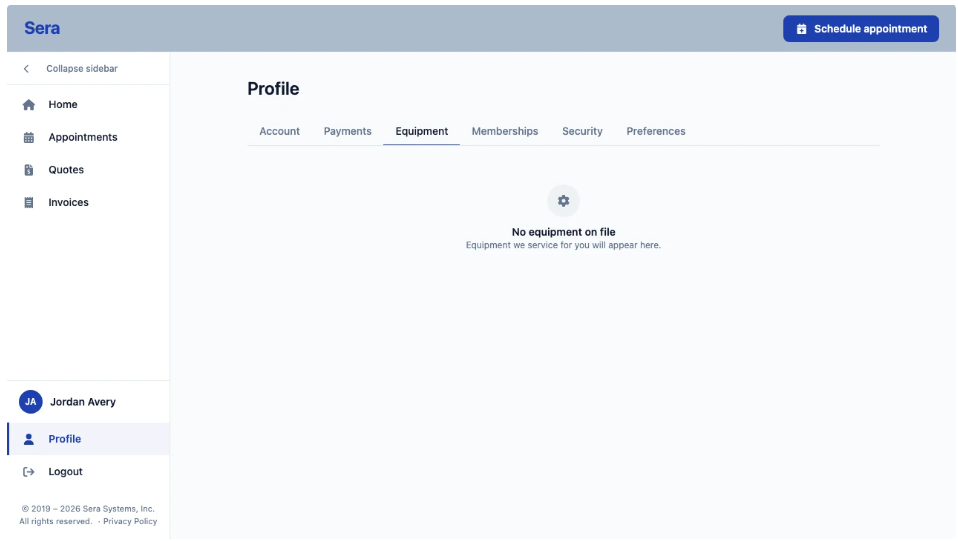
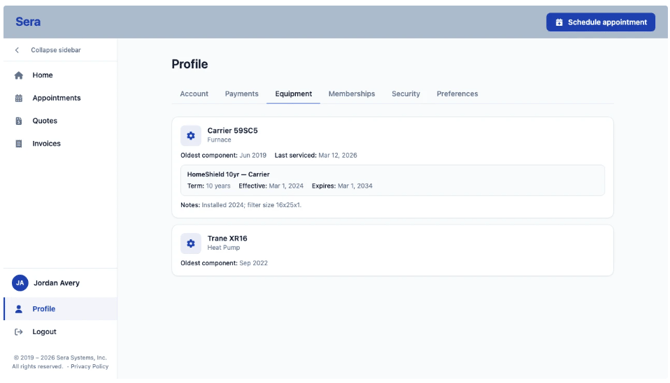
- Equipment - Any equipment on file is cleanly included in this tabbed view.
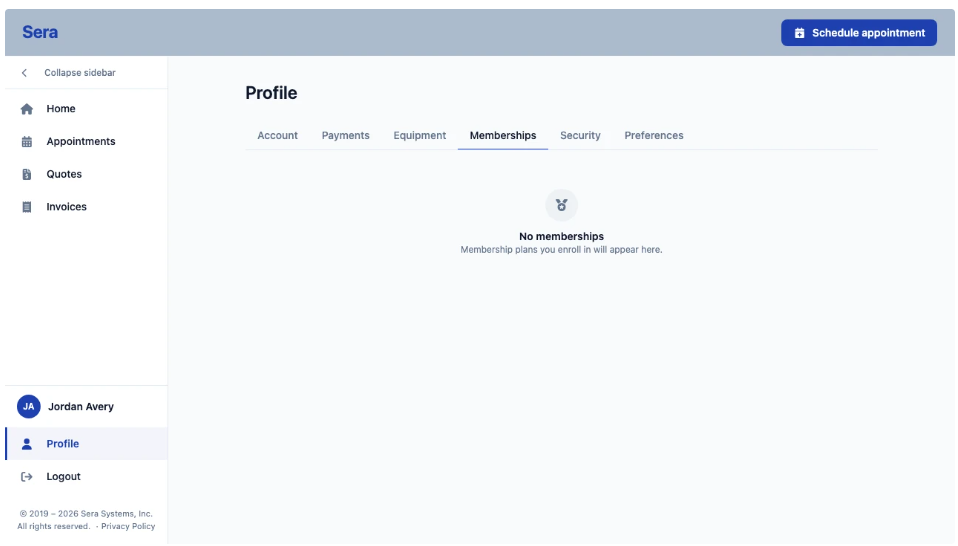
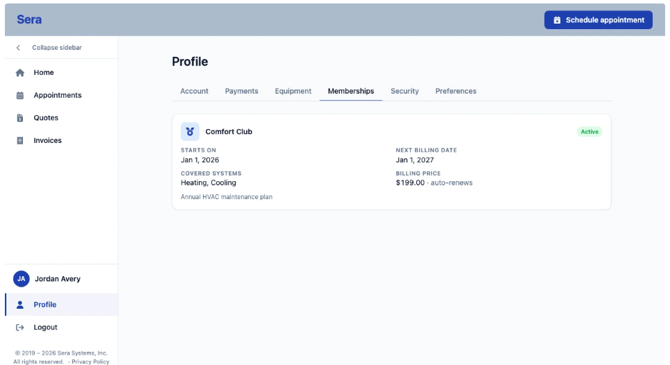
- Memberships - Any active plan memberships you have and included services are outlined here.
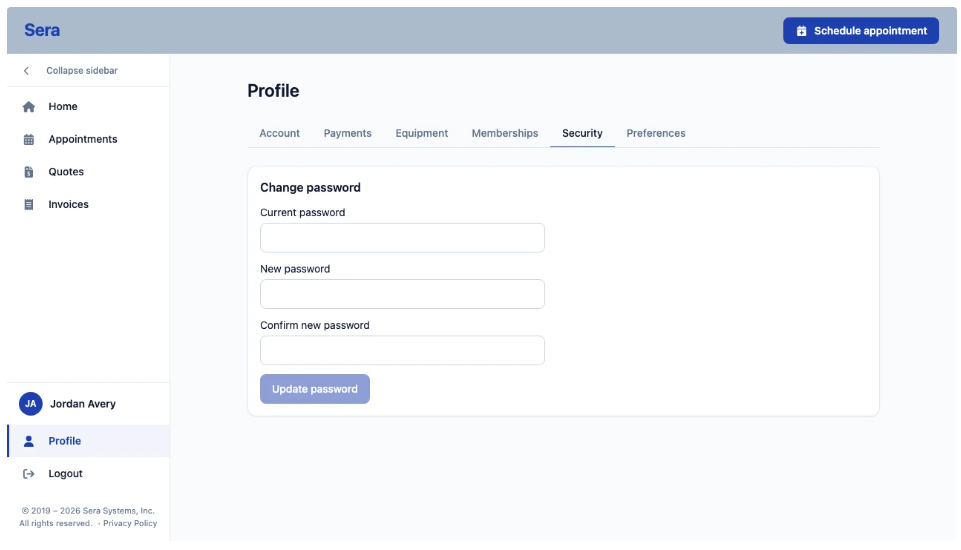
- Security - Updating your Password is easy with the Security tab.
- Preferences - This section allows you to choose between light and dark mode for your device.