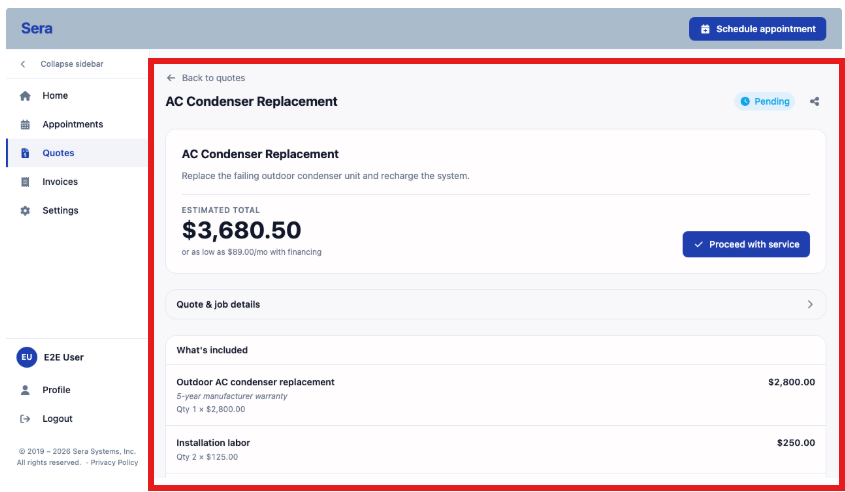
The Customer Portal gives your customers the opportunity to review their quotes anytime.
This allows you to:
- Review a quote you were sent and decide whether to move forward.
- Start service on a pending quote without calling in.
- Look back over quotes you've already received — by number, name, job, or amount.
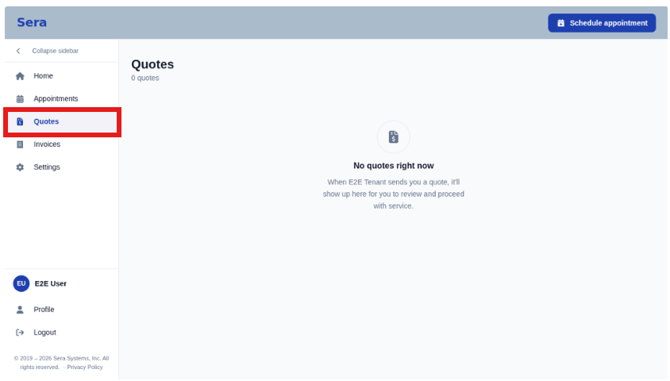
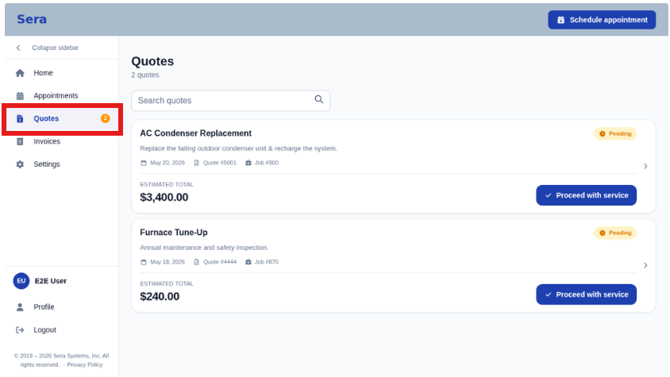
Every quote is in a Pending state, ready for your review and the ability to identify whether you would like to proceed with service on any selected quotes.
Proceed with Service
- Open Quotes from the left menu, and review your open / pending quotes.
- You can review the summary details and / or review the full detailed-view of the quote (visual below).
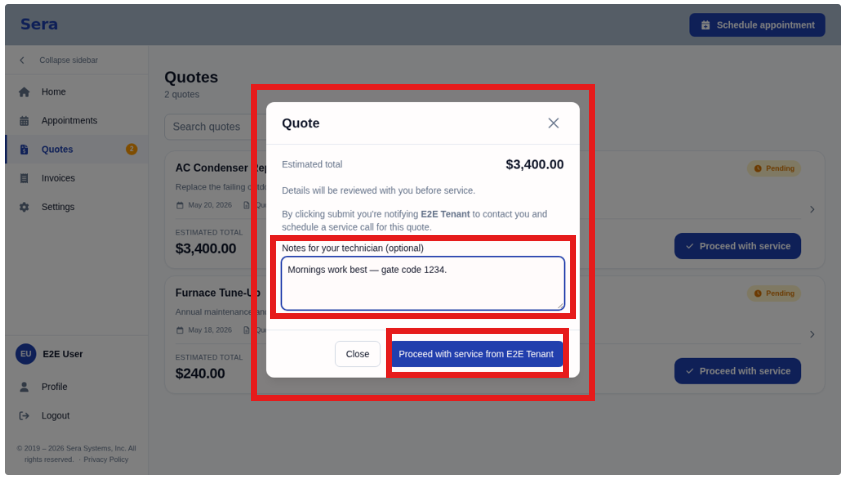
- Once you determine you'd like to Proceed with Service, select the icon labeled Proceed with Service. You'll have the option to add a note and move the quote forward. By selected Proceed with Service, you'll be notifying the Client that you'd like to coordinate scheduling to complete the services outlined within the quote.
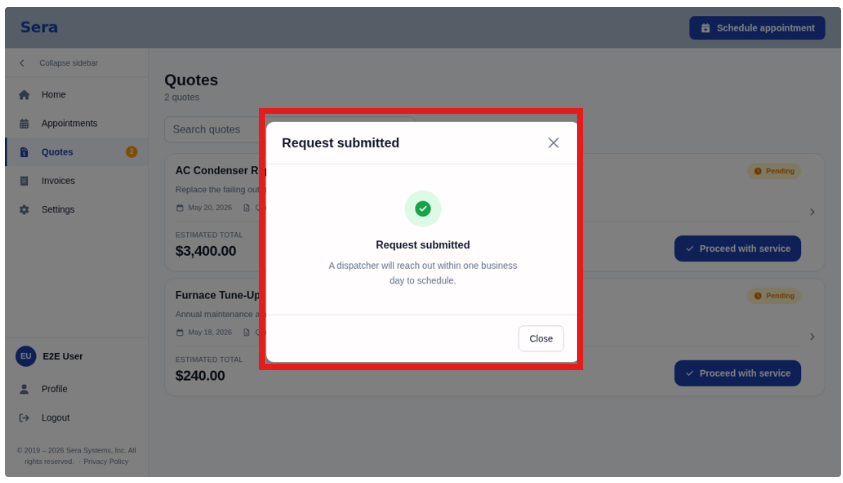
- Once submitted, you'll receive a Request Submitted notification on your screen outlining next steps.
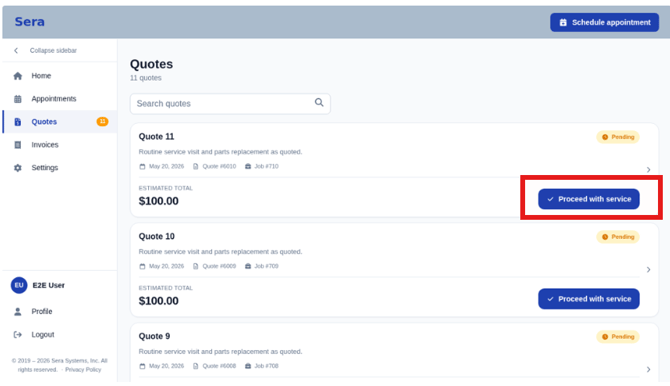
Quote Detail
You can click into any quote to see the specific details - items included, summary of the work proposed, etc.