The Customer Portal gives your customers the ability to view their appointment history, including the current status of active or upcoming appointments.
This allows customers to:
- Check when your next appointment is and how soon it is ("Today", "In 3 days").
- Open a job to see its details, technician, or summary.
- Find an old appointment by location, address, or appointment number.
- See and pay an outstanding invoice balance.
Appointment List View
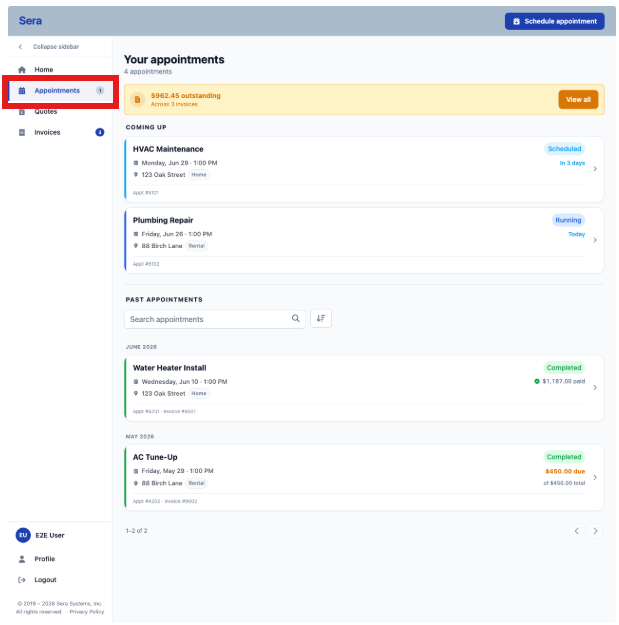
The Appointment List View is split into two (2) sections: Coming Up and Past Appointments, split with a divider that enables the ability to search across past appointments.
Each appointment will include the current status (scheduled, running, completed and paid or completed and a balance is due).
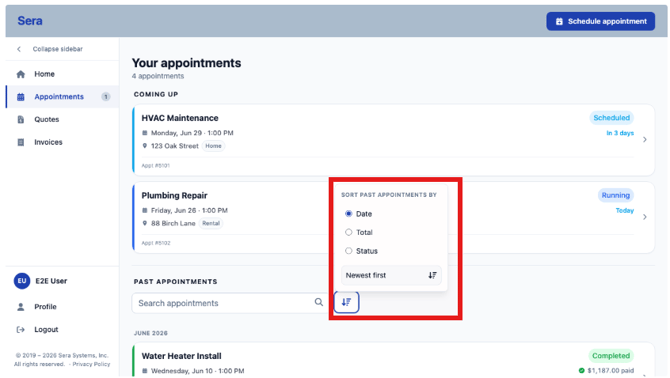
There is also an ability to Sort appointments by Date, Total, or Status.
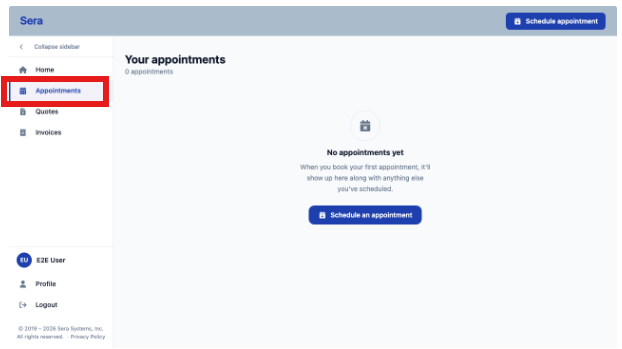
And the view when you have no appointments (for new customers) encourages easy booking from the Customer Portal.
Live Technician Tracking
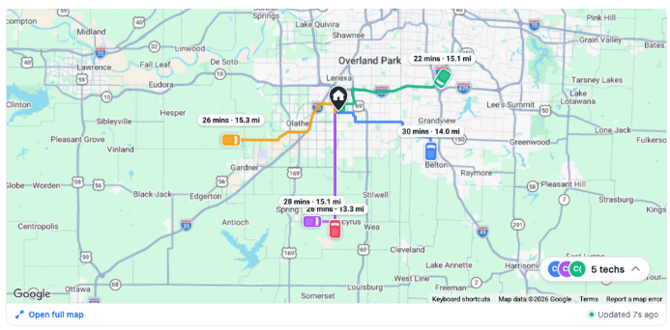
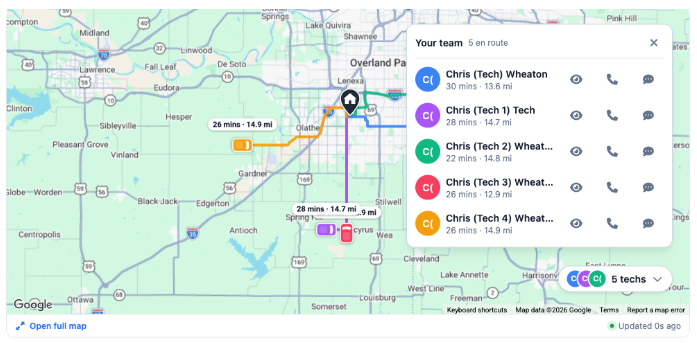
For appointments currently active, Customers can click in to the appointment and see the GPS map view of Technicians on their way.
When an appointment moves to the En Route status, an "On the way" with live tracking section becomes available.
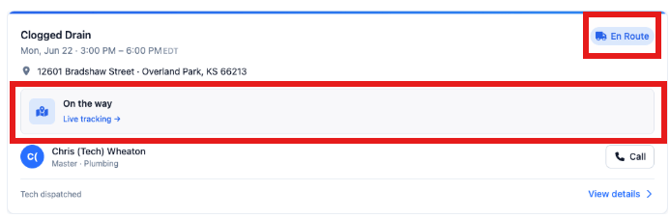
Clicking in, you are brought to a Map view showing one (or more) Technicians and where they are in relation to the appointment. This supports larger jobs as well, when multiple technicians are dispatched to a home and could be arriving at different times.