
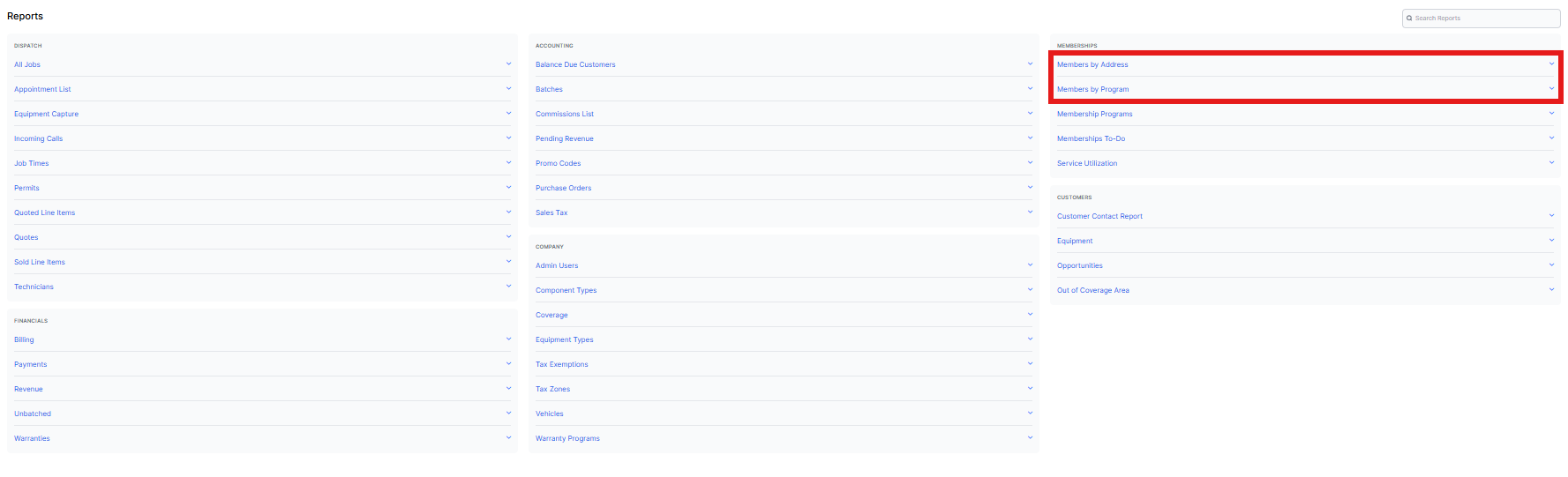
One of the pillars of Sera's software and enabling you to be successful in owning your own backyard is the selling of membership programs for your company. To assist in tracking your customers related to memberships, Sera offers two (2) Members reports, found in the Membership section of your Report Center.
Members Report - By Program
This report provides a view of Memberships by Program for Customers, including the program name(s), contact information, tags, billing address, renewal type, since, next billing date, and expiration date (ends on). Here, you are looking at the Memberships by Program for each Customer (which does not take into consideration the service addresses and what programs are applied to each service address).
This report answers the following questions:
- How do I get a list of my current members?
- Where can I find a list of expired memberships?
- Where do I find a good source of contacts to market to members and non-members?
- How do I filter by memberships expiring soon (next week, month, or year)?
Members Report - By Address
This report provides a view of Memberships by Customer and by Service Address, including key fields like member status, days to renewal, available services, renewal type, since, next billing date, expiration date (ends on), and customer contact information. This gives a key view by service address for each customer, to allow more intentional review (since Customers can have memberships at some or all of the service addresses).
This report answers the following questions:
- Which service addresses have active membership coverage?
- How do I see memberships broken down by property, not by customer?
- How do I filter by memberships expiring soon (next week, month, or year)?
- Who or what expired, and on what date, by address?
Membership Status
Membership Status is the customer's current membership status. This will correspond to the Membership Icon next to the customer's name in your Sera account.
Options are:
Current - At least one current membership exists on the customer's account
Expired - All membership programs on the customer's account are expired
Non-members - The customer has never had a membership program on their account
Unconfirmed - The customer only has memberships that were imported into your Sera account that are missing one or more pieces of information.
Program Status
Program Status is the status of that specific membership program. Because you can have multiple membership programs on a customer's account it is possible to have a current and an expired line in this report. You would review the Membership Status detailed above to signify if the customer has any active membership programs.
Option are:
Active - membership is current in Sera
Expired - membership is past the expiration date listed in their account
Unconfirmed - memberships that were imported into your Sera account that are missing one or more pieces of information
Note: A row will display in this report for each membership program on the customer's account, so if there is an active and an expired membership program you will see a row for each.
These reports are also available for download should you need to see this data in Excel or use this list for marketing purposes in conjunction with a third party software.