What’s New
From the Mobile App, Technicians can:
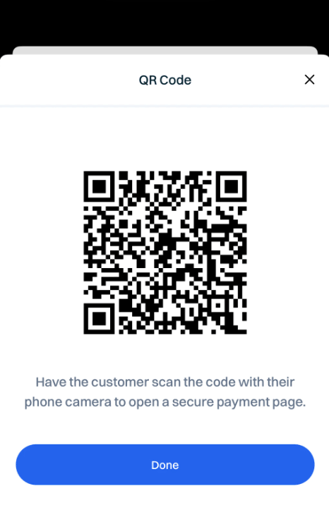
- Generate a QR Code to collect a secure payment from a Customer while in-person. The link allows the Customer to pay directly without logging into their Customer Portal.
How It Works
-
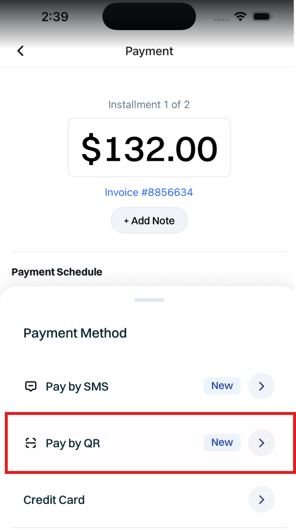
On an Invoice payment screen in the Mobile App, the technician can select Pay by QR from the payment method list (alongside Credit Card, Cash, Check, Banking (ACH), and External).
- When you select this option, a QR Code with messaging that reads "Have the customer scan the code with their phone camera to open a secure payment page" pops up on the screen. See visual below.