What's New & Improved
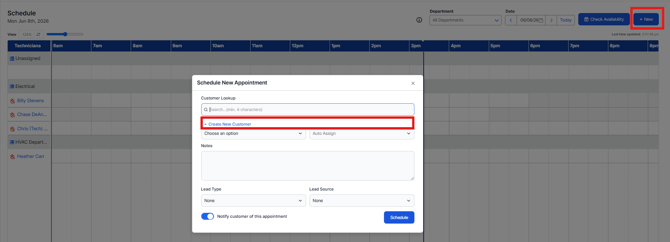
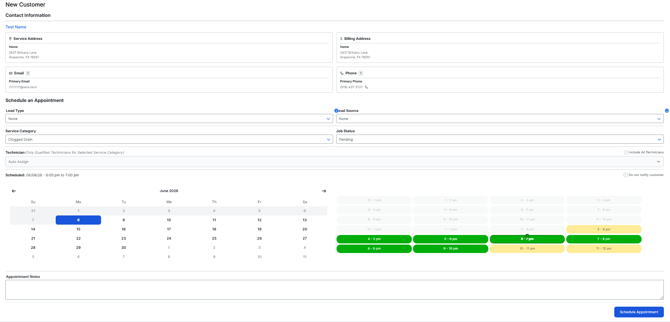
- Create a Customer from Schedule Board: We have made an update to the Schedule Dispatch Board to enable customer creation from the +New Appointment screen. Simply click +New > Appointment > click into the customer lookup and when you do this, you'll see a + Create New Customer link appear. Once you populate the basic data and select Save + Schedule Appointment, you'll be brought to a second page where you can identify the service needed and schedule the appointment.
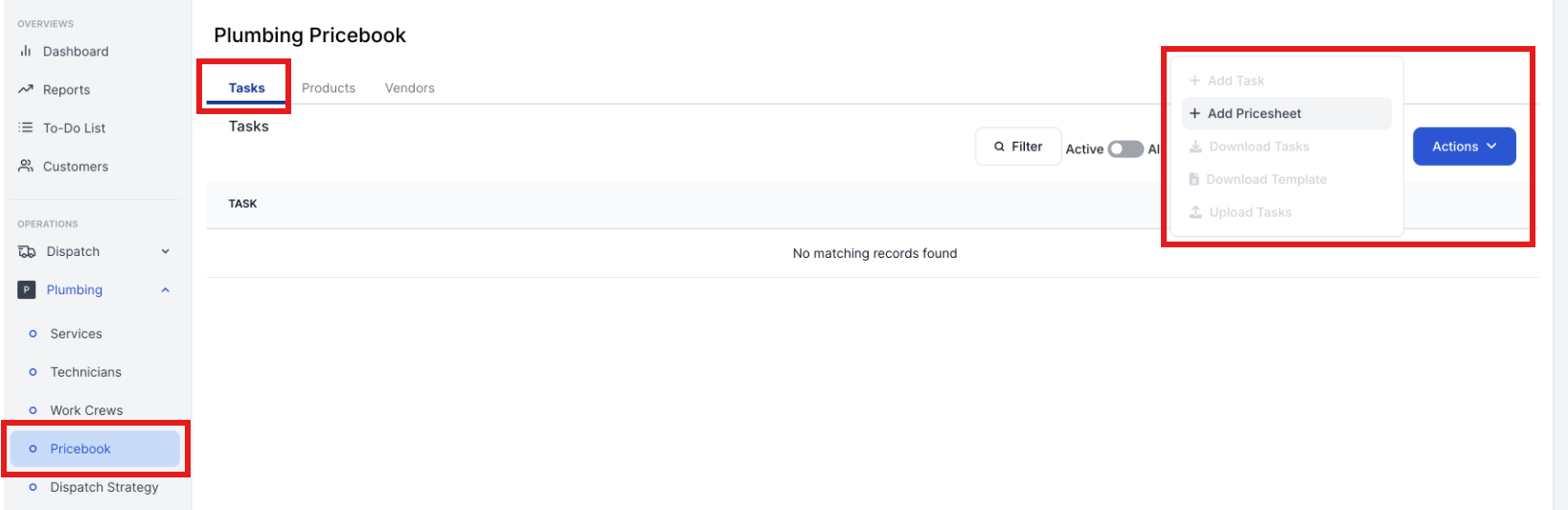
- Updated Logic to Prevent Customers from Adding Tasks without a Pricesheet: We have updated logic in Sera that will prevent Customers from adding Tasks to your Pricebook without a Pricesheet. Previously, when you have tried to add a Task without a Pricesheet, the Quoting functionality for the specified department will break entirely. The logic changes made in this release ensures that before you try to add Tasks, you must add a Pricesheet. This will prevent unnecessary frustration and delays in your business.