
What’s New
Technicians can:
-
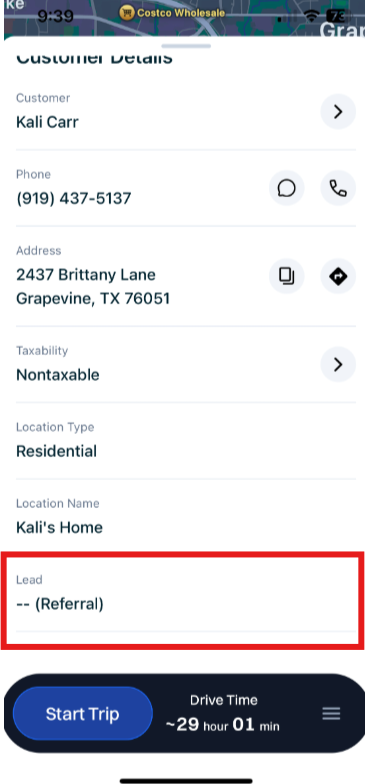
Navigate to Customer Details and locate the Lead Source field to see where the lead came from.
How It Works
This feature is automatically enabled as a native feature within Sera.
Be sure you are using the latest version of the Mobile App.
As we consistently improve aspects of the Mobile App, if there is a new version, upon logging in you'll be prompted to refresh the app. This is as simple as closing / logging out and back in. You'll always want to be on the most current version of the app.
The functionality is very user friendly.
- Locate Customer Details on Sera Mobile. Scroll down and locate the Lead Source field.
- You can see Lead Source when reviewing future appointments as well as after you have claimed an appointment and are in the middle of a job.
- You can see Lead Source when reviewing future appointments as well as after you have claimed an appointment and are in the middle of a job.